Are you thinking about buying a home in the near future? Or, do you just have interest in seeing what properties are being listed at in your area?
Being alerted for new listings can be useful for many different reasons. The following serves as a guide to creating your own, adjustable, property alerts!
First of all, you will need to create an account on my website: MattiasClymer.com On the top right corner click on the button that says register.
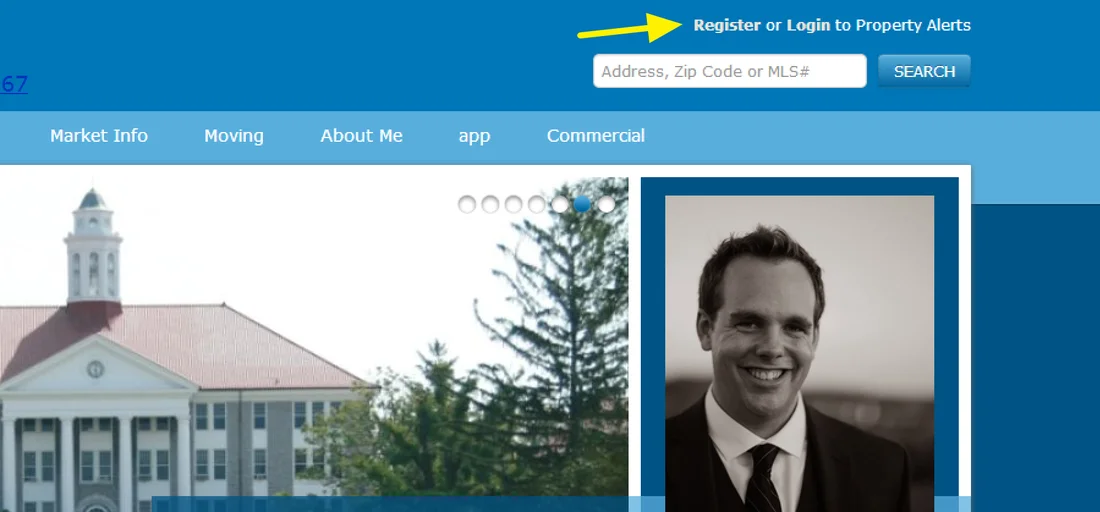
A window will pop up. Enter in the necessary items to make an account.
After you have successfully made an account, go to the home page. Enter in your search criteria and hit search.
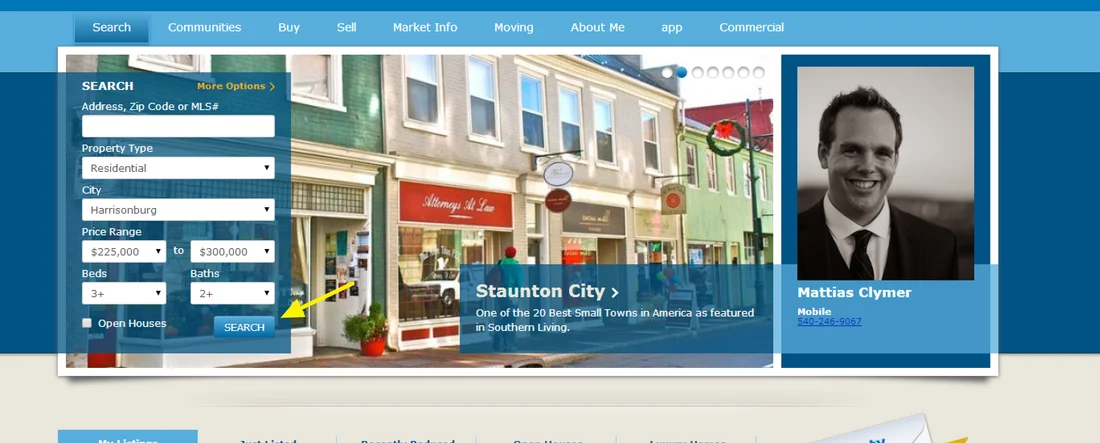
You should now be looking at a list of all the properties that meet your criteria. Now, you should see the save search button on the top right.
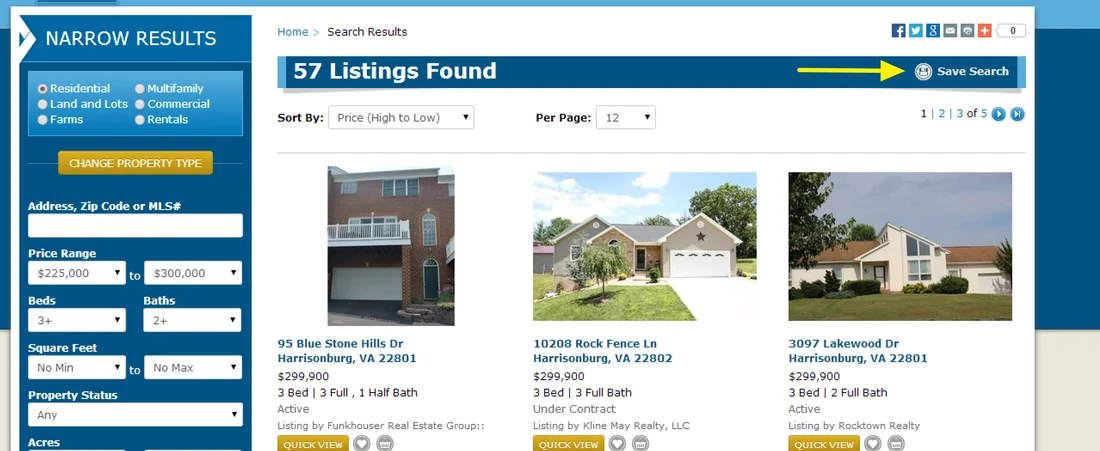
Click on the Save Search Button and a prompt will pop up asking you to write in any notes. Write a note that will help you remember the criteria of the saved search.
You should now see a message that say’s, “Your search has been saved.” Exit out of the message window. You should now be looking at the Search results. Click on the my account link at the top right portion of the screen.
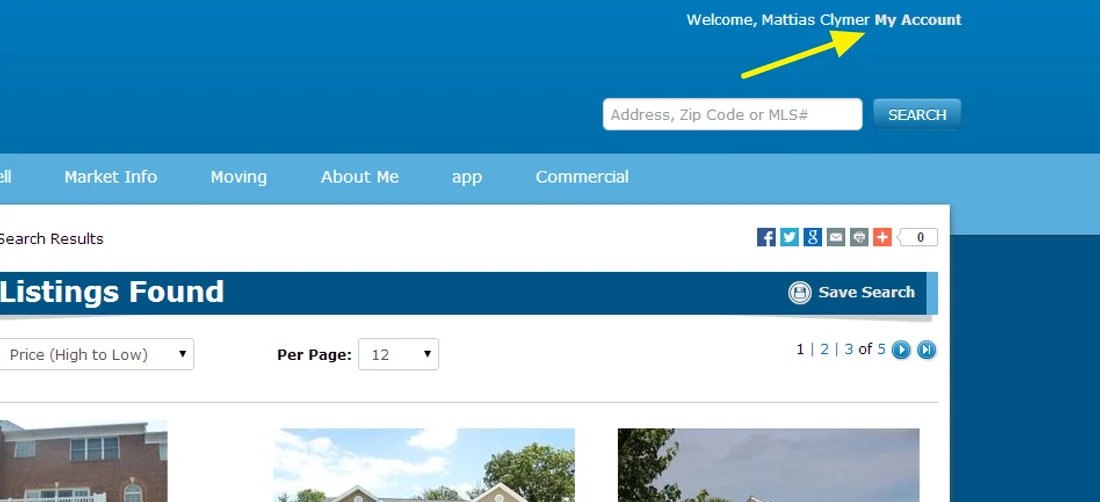
A new pop up window will give you a menu of options. Click on the saved searches option. This will allow you to manage your saved searches including customizing your alerts.
That is it! You are now set to receive property alerts! This should help you stay one step ahead in the housing market.